Measure & Understand
Decide & Act
By outcome
By team
By business
LEARN
USE
Stay close to changes in Lifesight's measurement, analytics workspace and AI workflows.
Stay close to the product
Product updates are most useful when they connect a new capability to a concrete task. Use the current release feed and documentation together.
Three useful steps connect the material to a real business question.
Find a topic
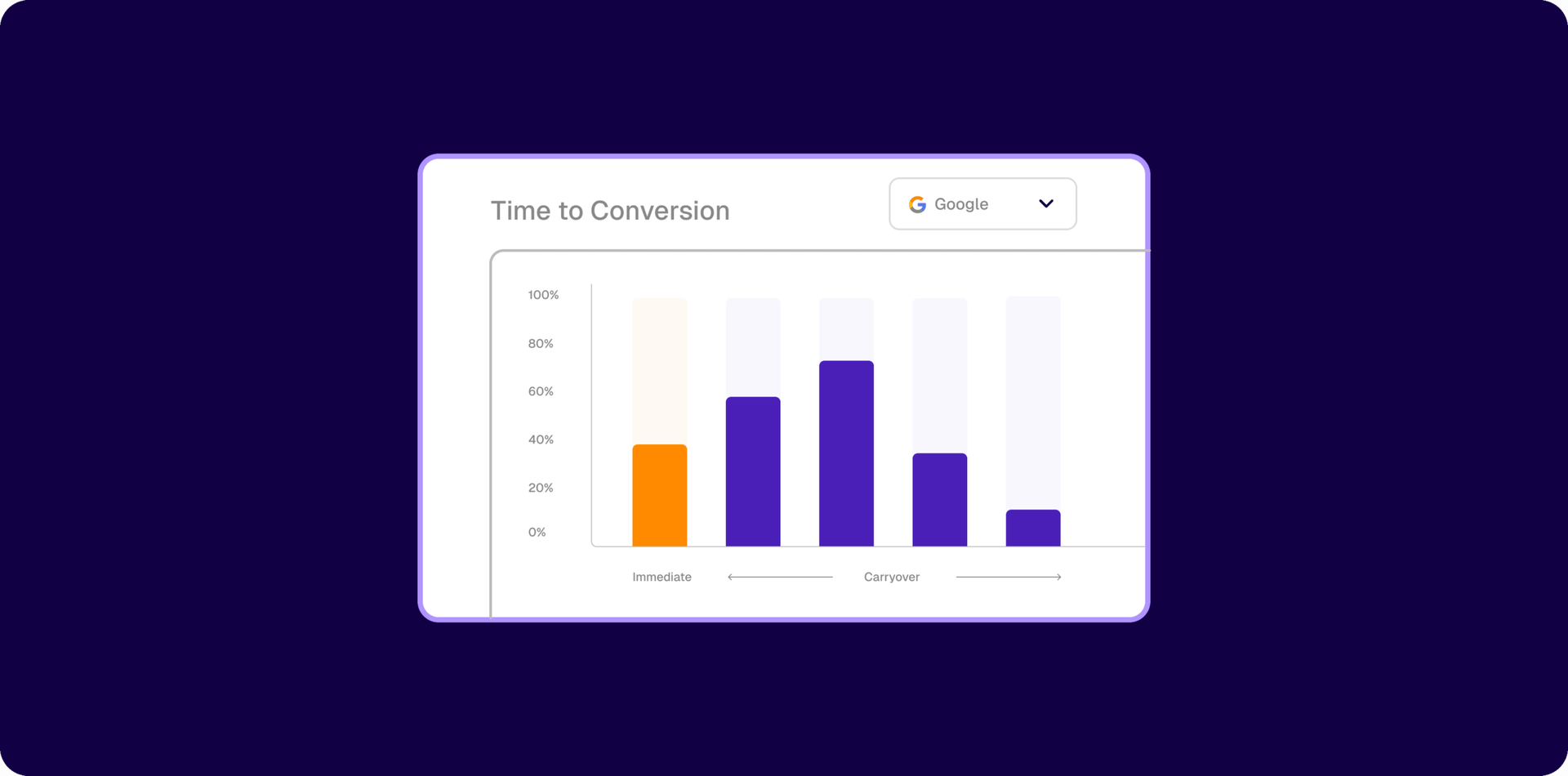
Visualize Conversion Carryover Effect
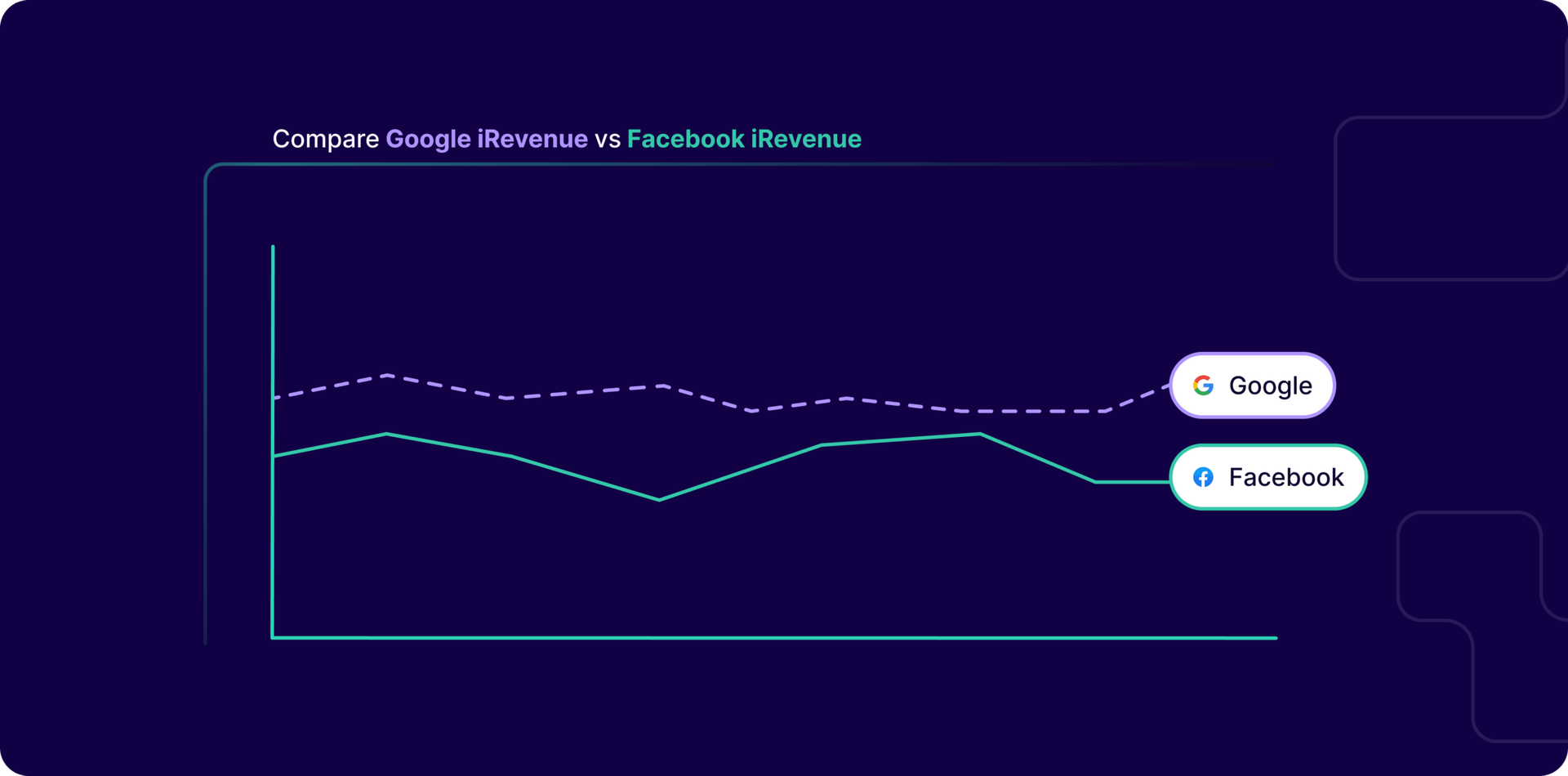
Improved Attribution Analysis chart
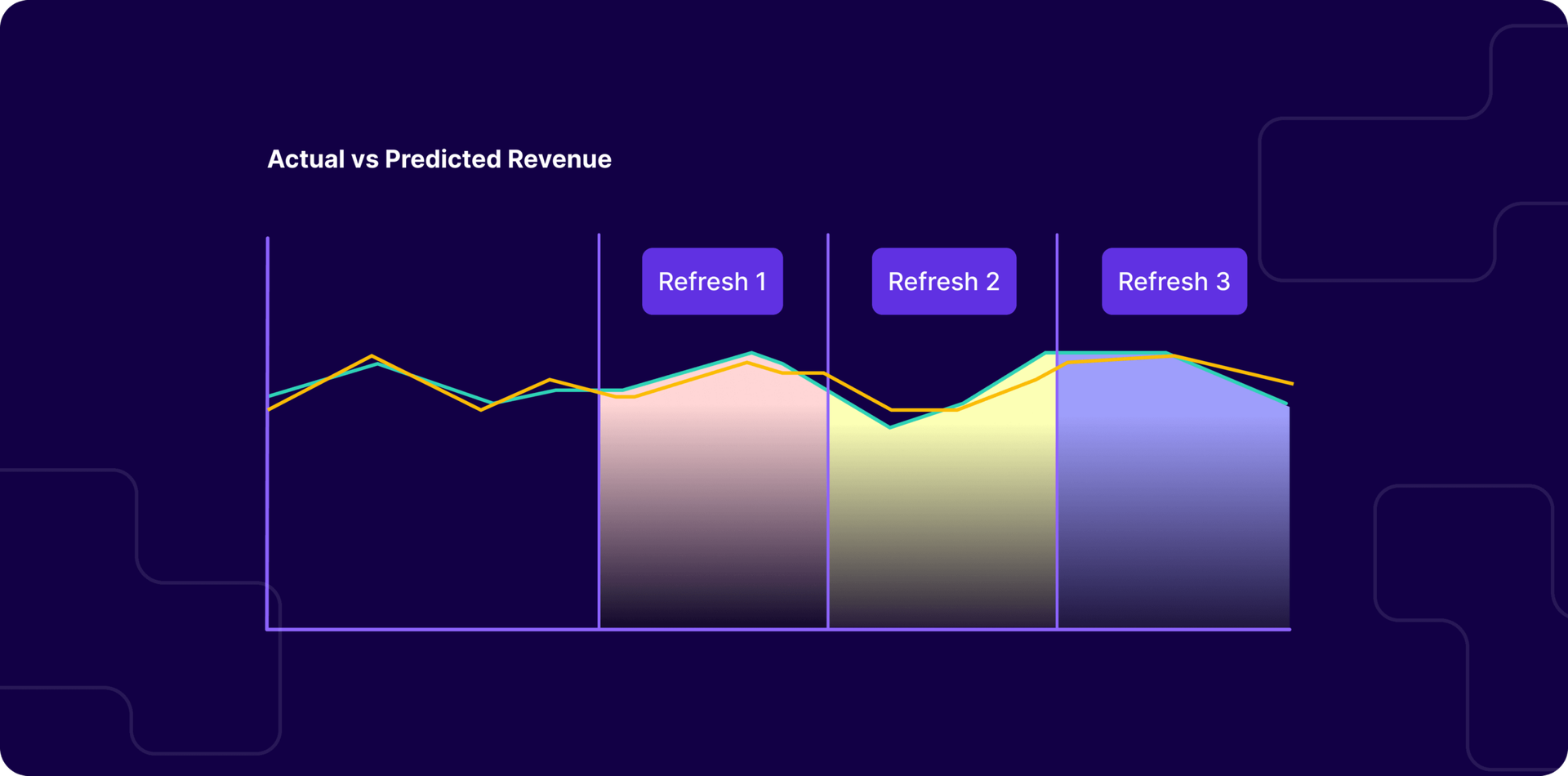
Upgraded MMM Refresh Insights
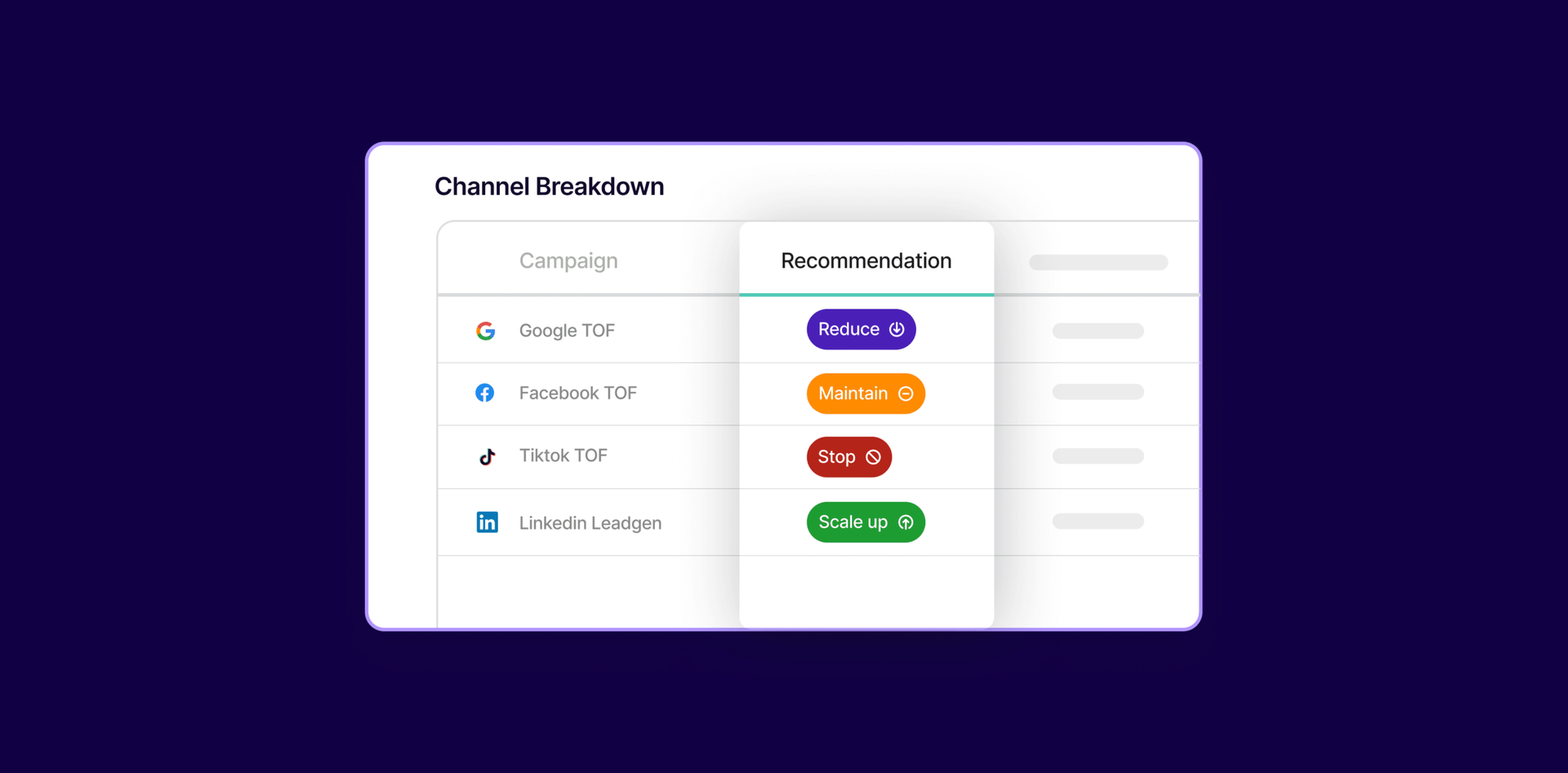
Target KPI based Recommendation
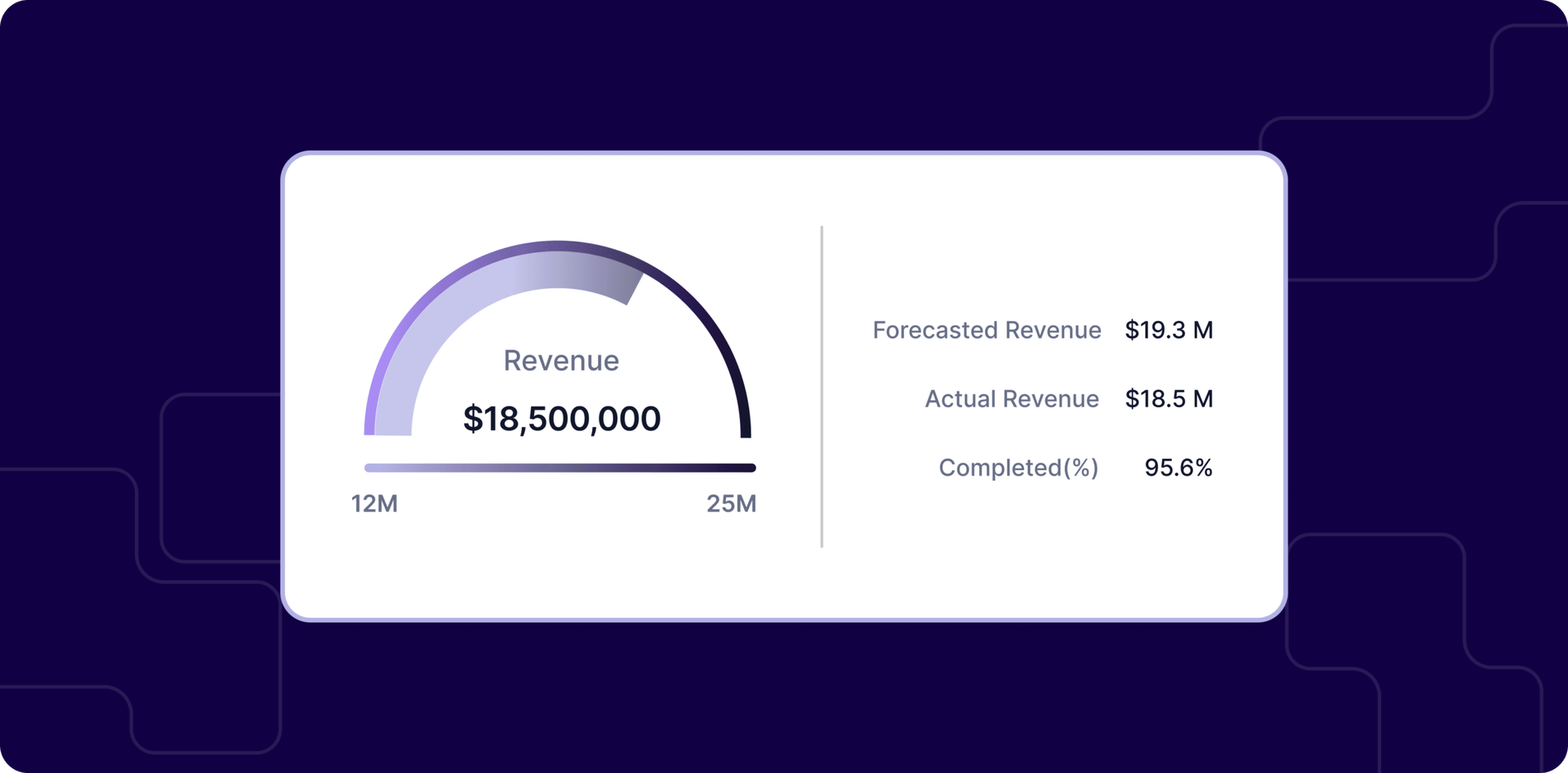
Goals and Budget Tracking
July Updates: Campaign level MMM, Forecast marketing outcomes and more
Availability can depend on the release and your deployment. Check the current announcement and confirm with your Lifesight contact.
Use the live product documentation, which can change as capabilities evolve.
Causal measurement shows what marketing changes. Your analytics workspace helps you plan and act on it. AI agents keep the work moving across both.
Connect a compatible AI assistant to Lifesight through Model Context Protocol, so marketing questions can draw on your measurement context.
Bring media and business outcome data into a shared measurement foundation. Start with the connections needed to answer your most important questions.